Introduction to High-End Desktop Hackintosh
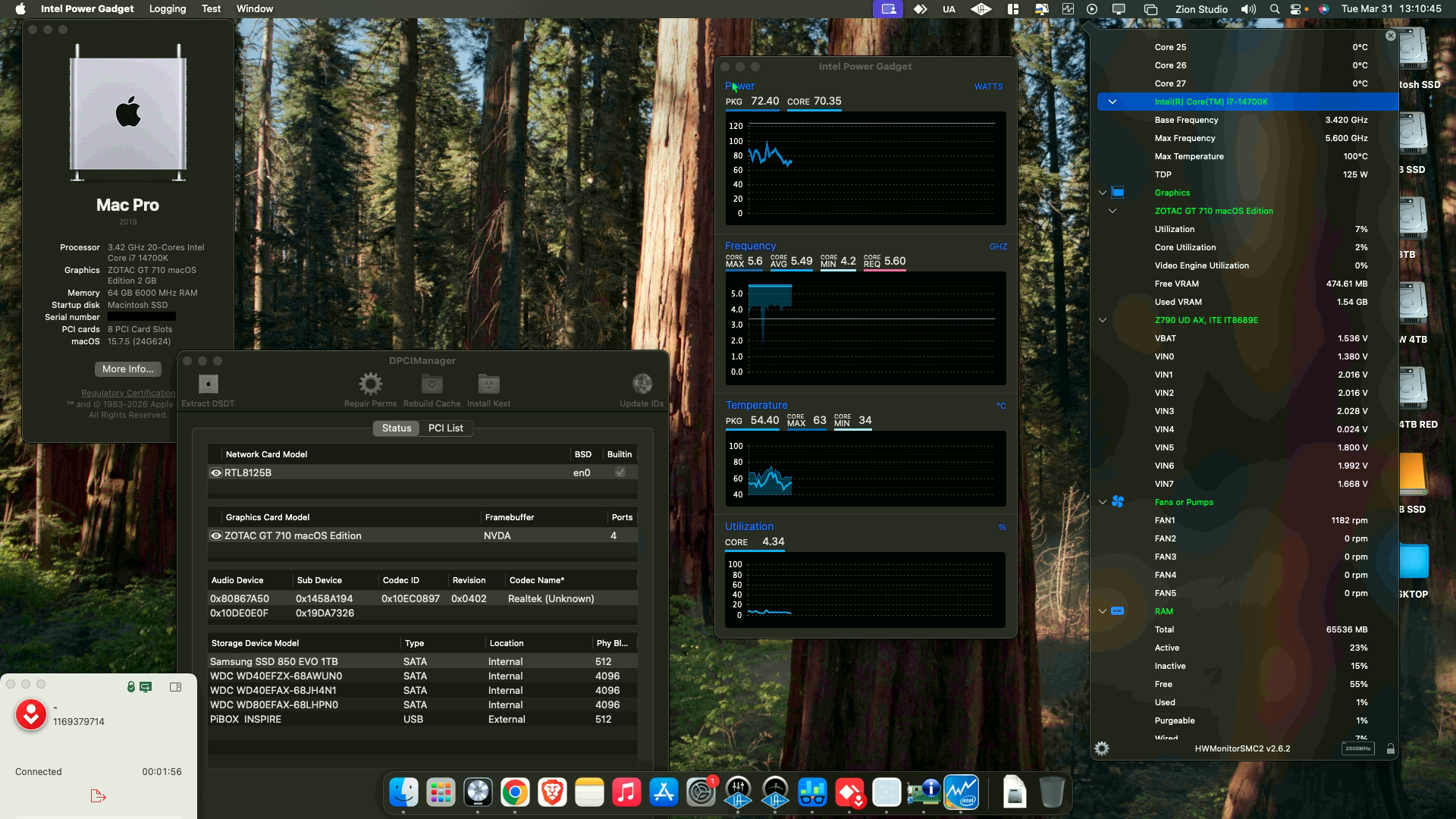
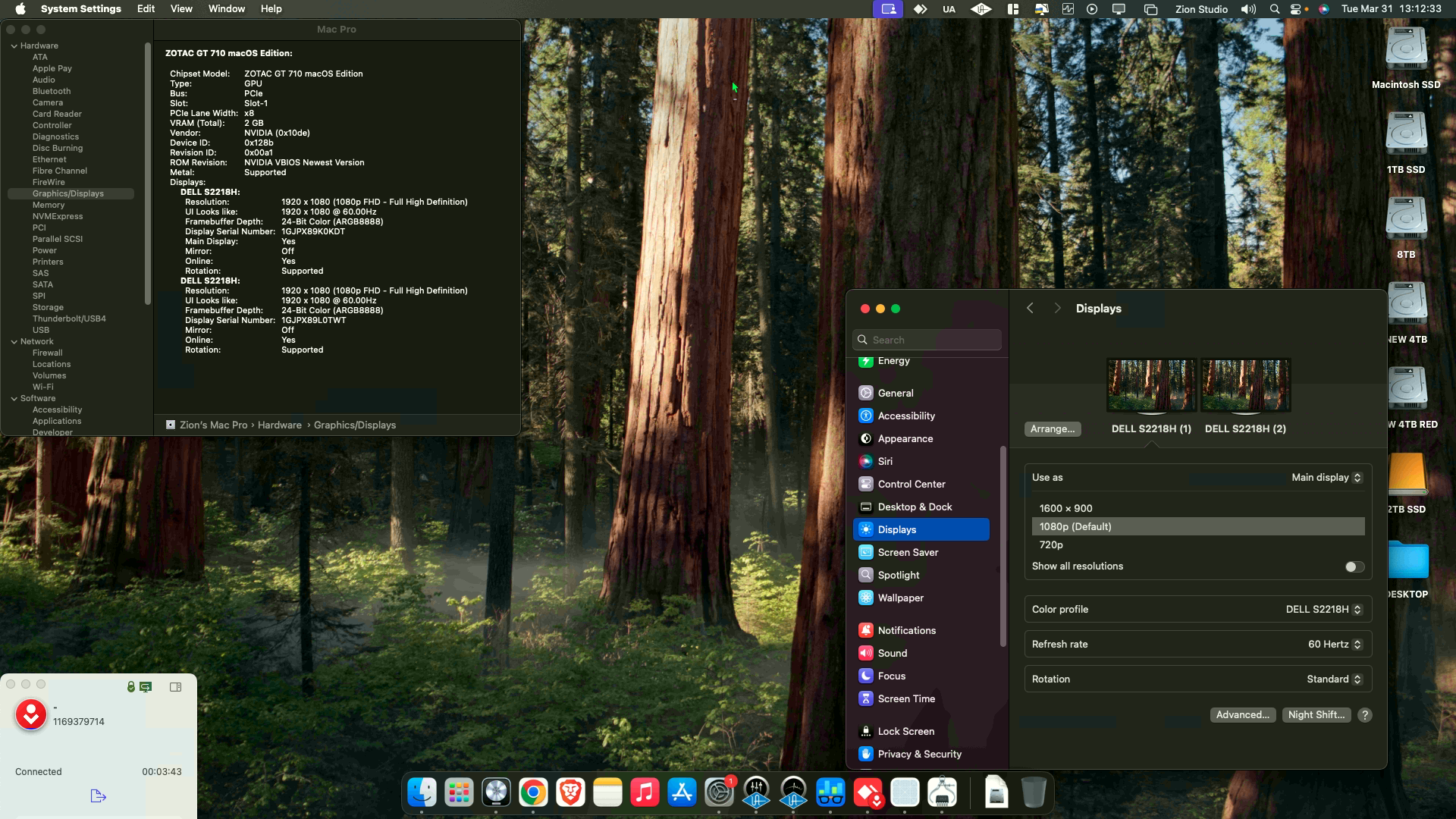
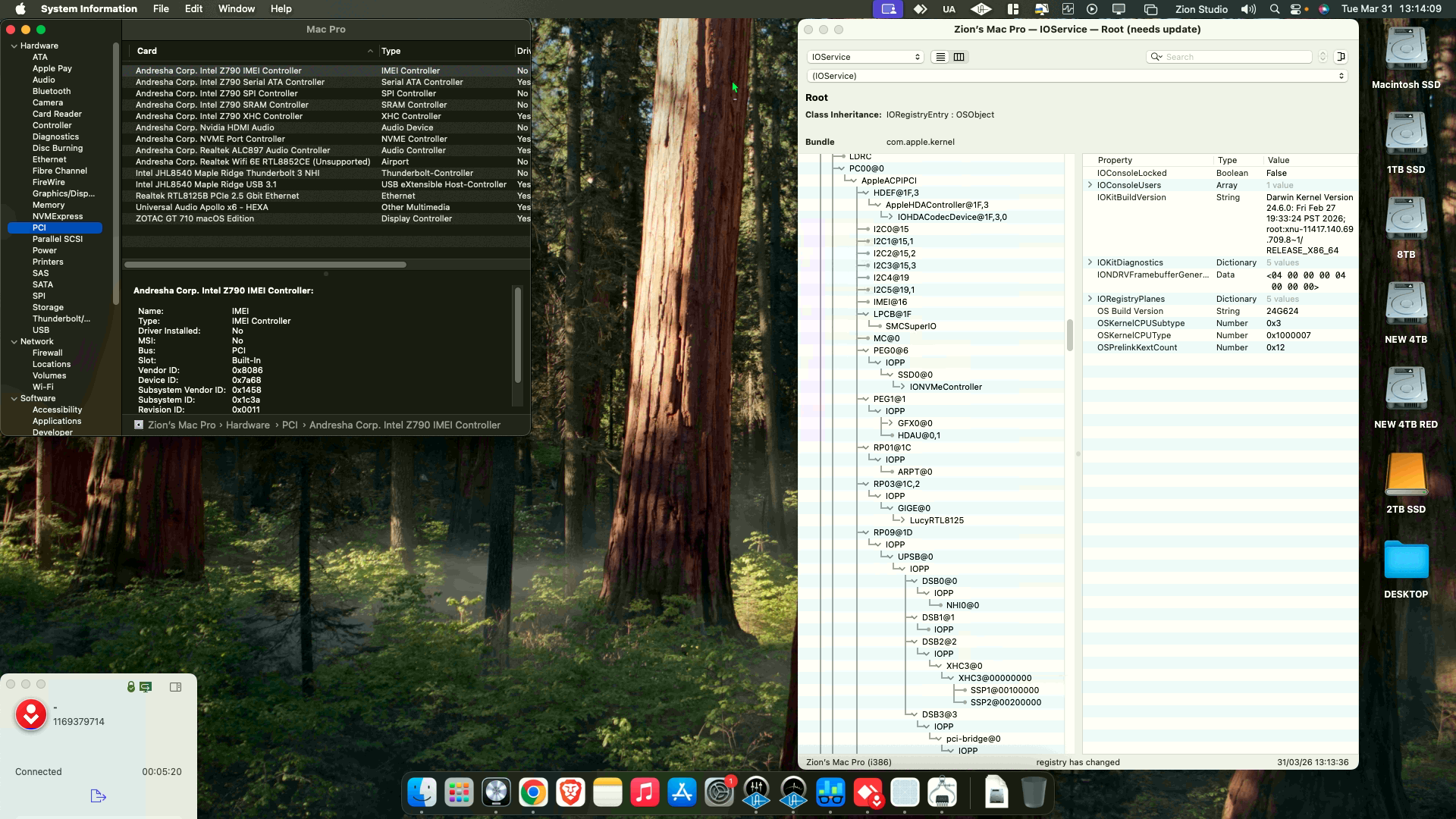
Building a cutting-edge Hackintosh with Intel's 14th Generation processors is an incredibly rewarding experience. Today, we are showcasing a successful installation of macOS Sequoia 15.7.5 Build 24G624 on a desktop featuring the Gigabyte Z790 UD AX motherboard and the powerful Intel Core i7 14700K processor. While modern macOS versions do not natively support the newer Intel UHD 770 integrated graphics, we achieved full graphics acceleration by utilizing a dedicated Zotac GT 710 Kepler-based graphics card patched with OpenCore Legacy Patcher (OCLP).
System Specifications
Below is the detailed hardware configuration used for this successful Hackintosh build:
- Motherboard: Gigabyte Z790 UD AX
- Processor: Intel Core i7 14700K
- iGPU: Intel UHD 770 (Disabled from BIOS)
- dGPU: Zotac GT 710 (Kepler Architecture)
- RAM: 64GB DDR5 PC48000 / 6000Mhz
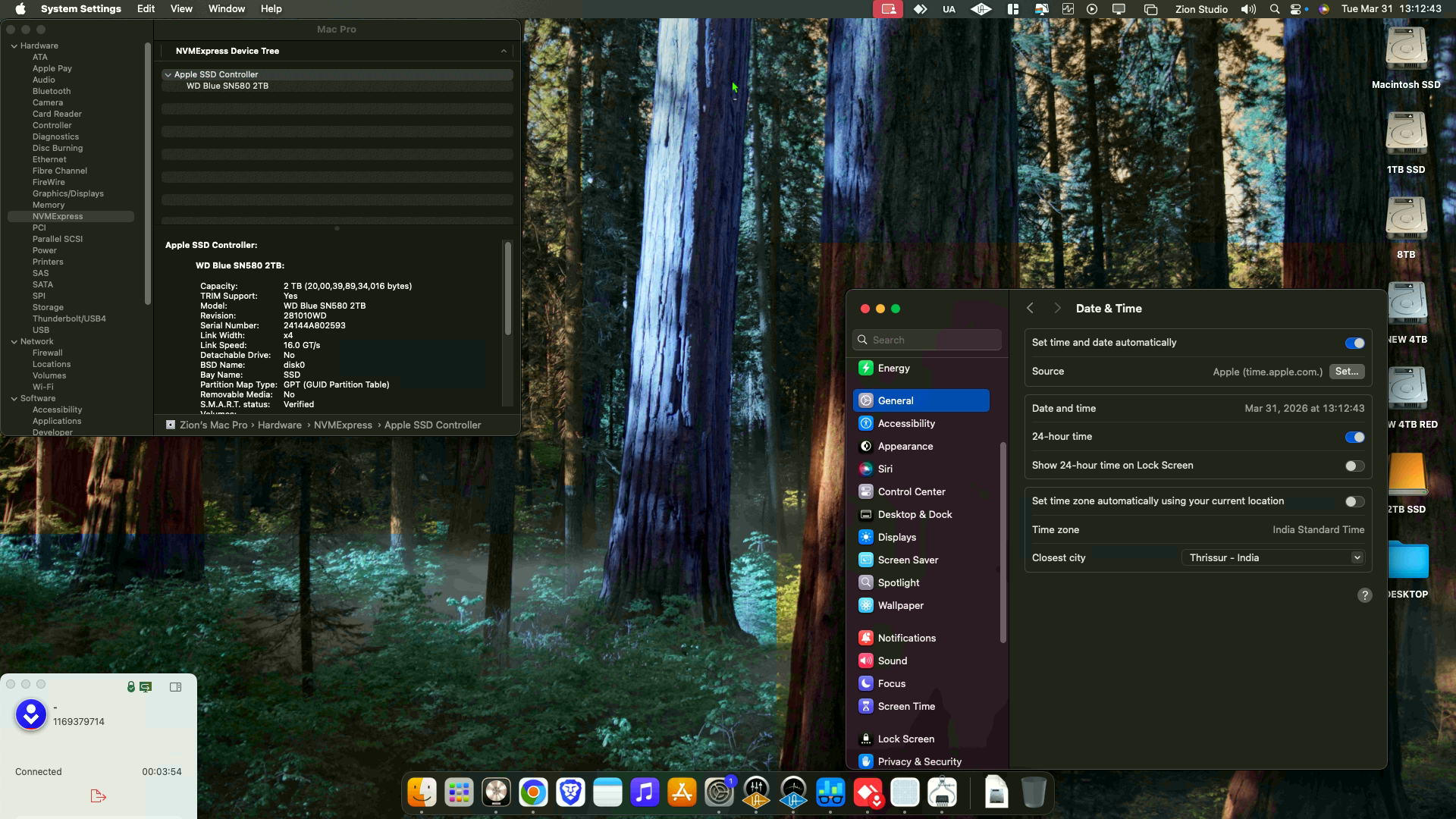
- Storage: 1x NVMe WD Blue 2TB
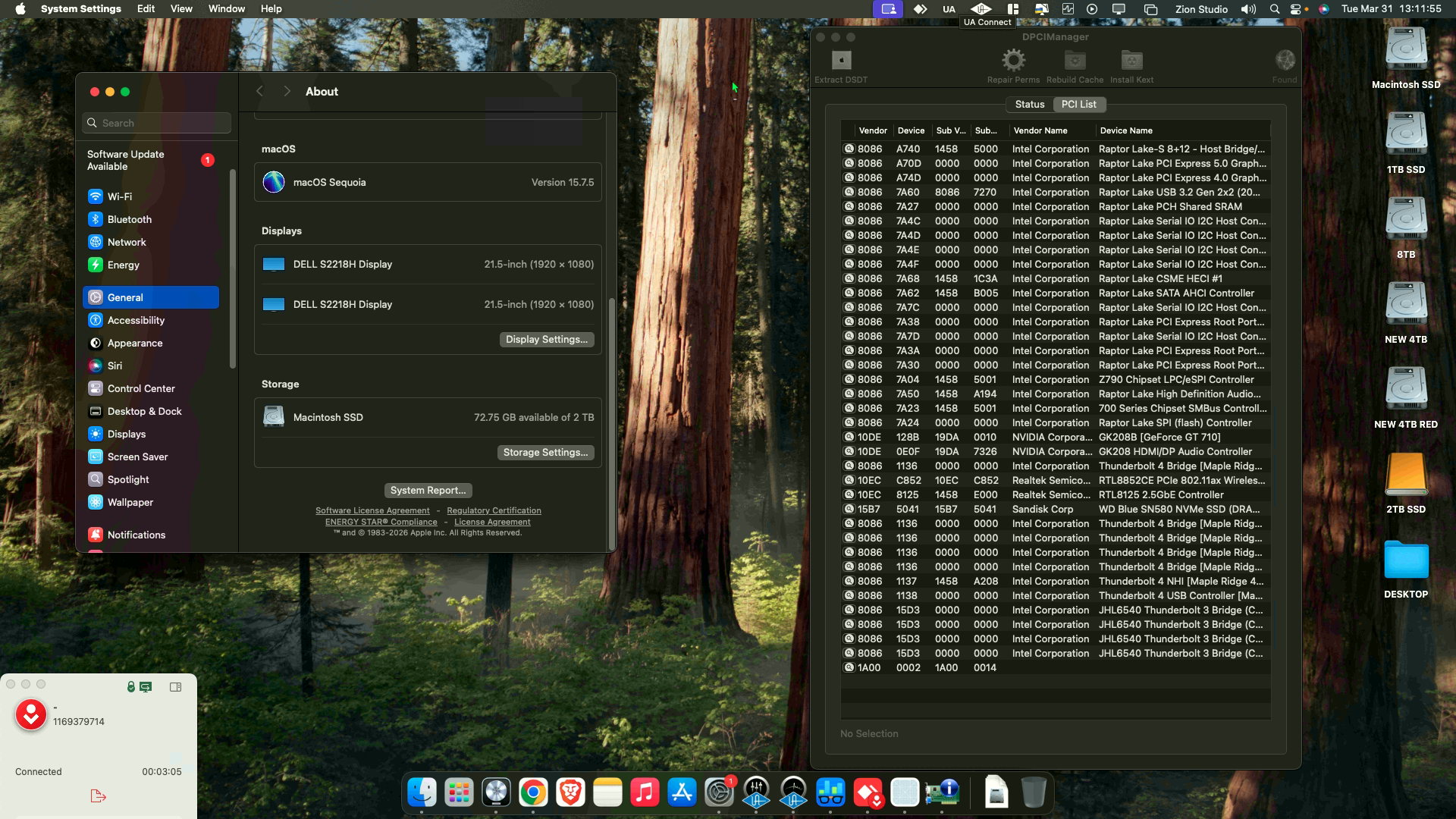
- Ethernet: Realtek RTL8125 2.5GB Ethernet
- Wi-Fi & Bluetooth: Realtek Wi-Fi 6E RTL8852CE
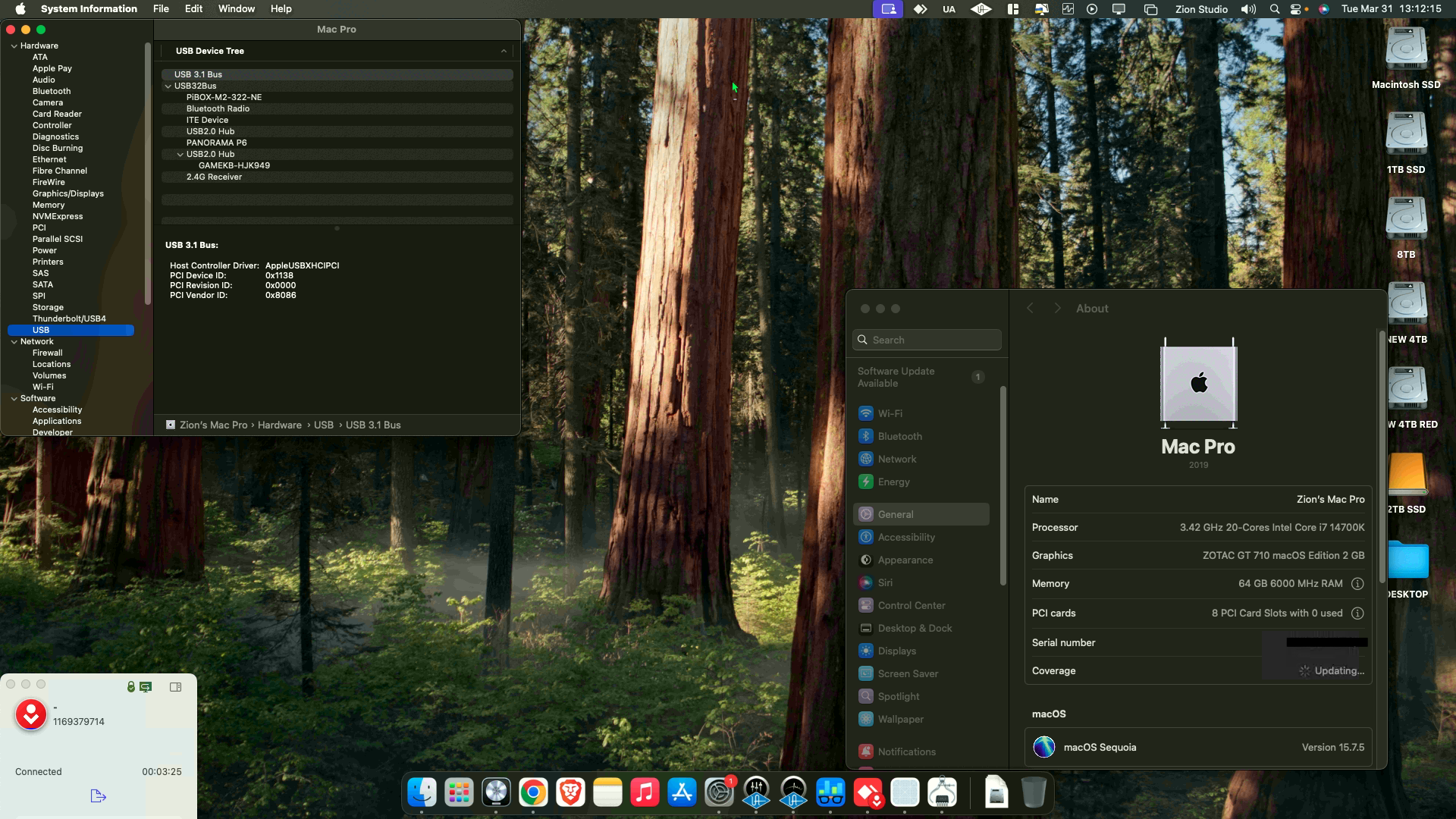
- USB Chipset: Intel Chipset
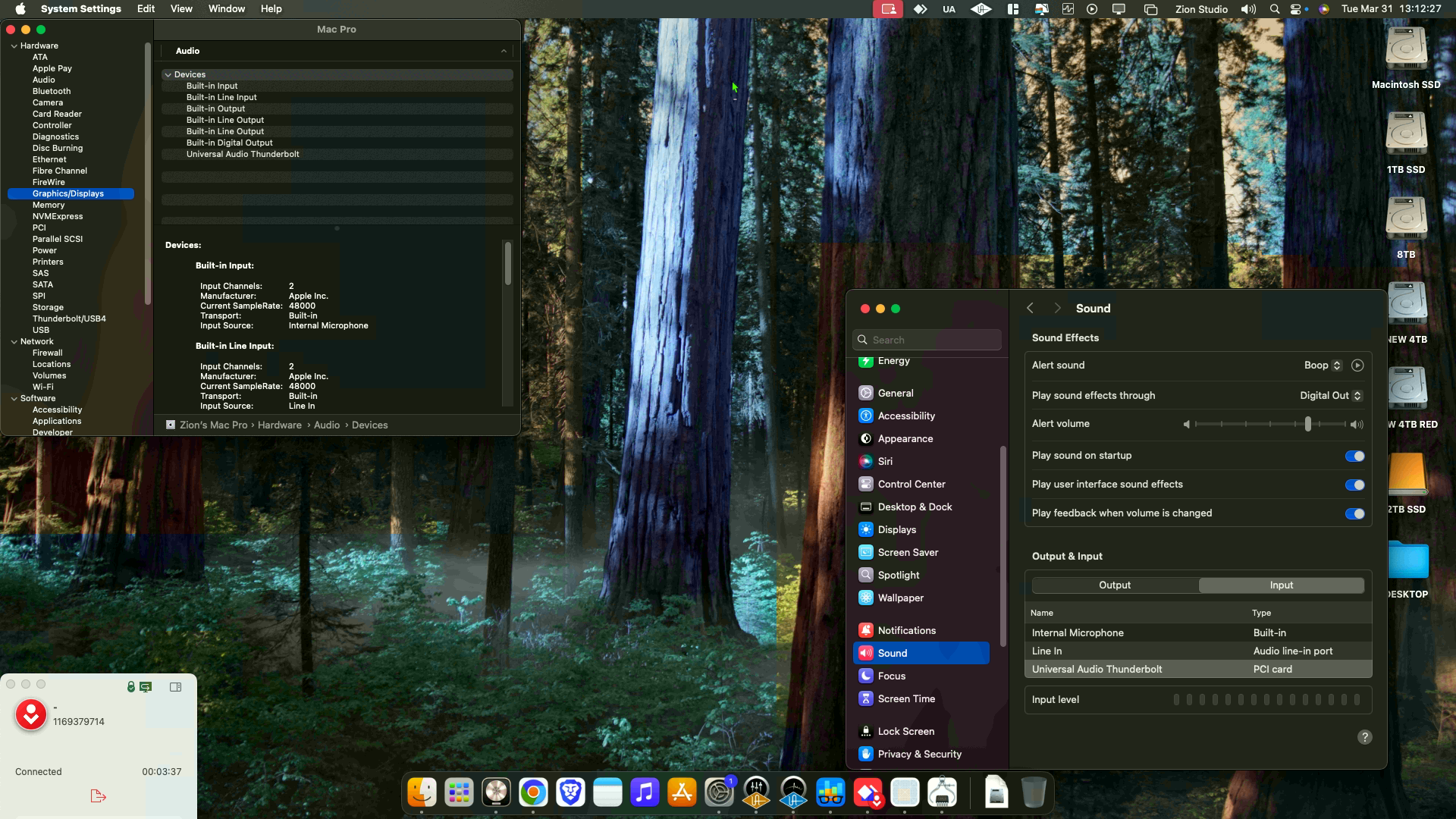
- Audio Codec: Realtek ALC897
- Monitor: Dell S2218H Display 21.5" (Full HD 1920 x 1080)
- Boot Mode: UEFI
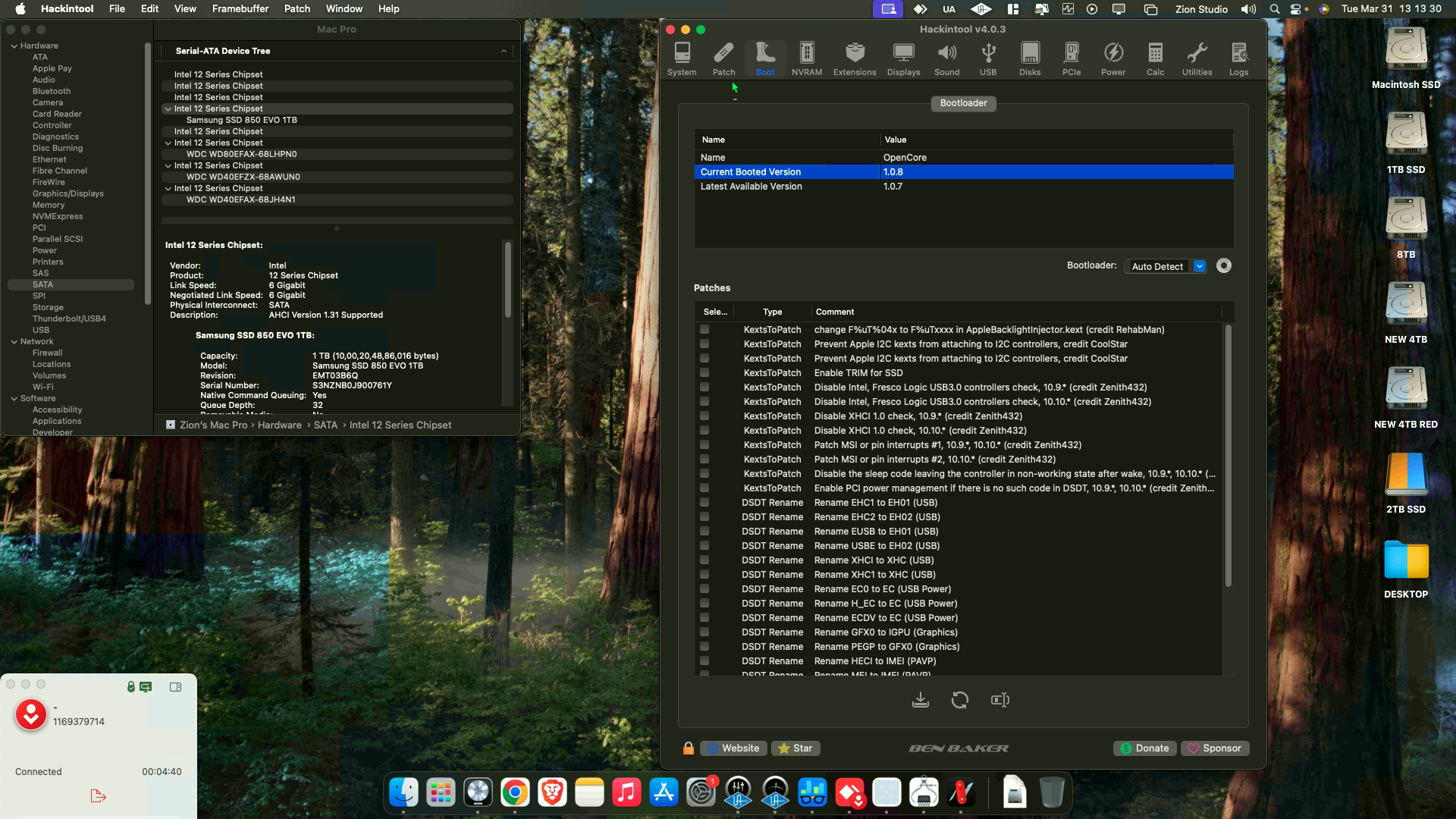
- Bootloader: OpenCore r1.0.8
- OS Version: macOS Sequoia 15.7.5 Build 24G624
What is Working?
After fine-tuning the OpenCore r1.0.8 configuration, almost all vital features of this Hackintosh system are running smoothly:
- QE/CI Graphics Acceleration: The Zotac GT 710 is fully accelerated with Metal support after applying the legacy Kepler patch via OpenCore Legacy Patcher on macOS Sequoia.
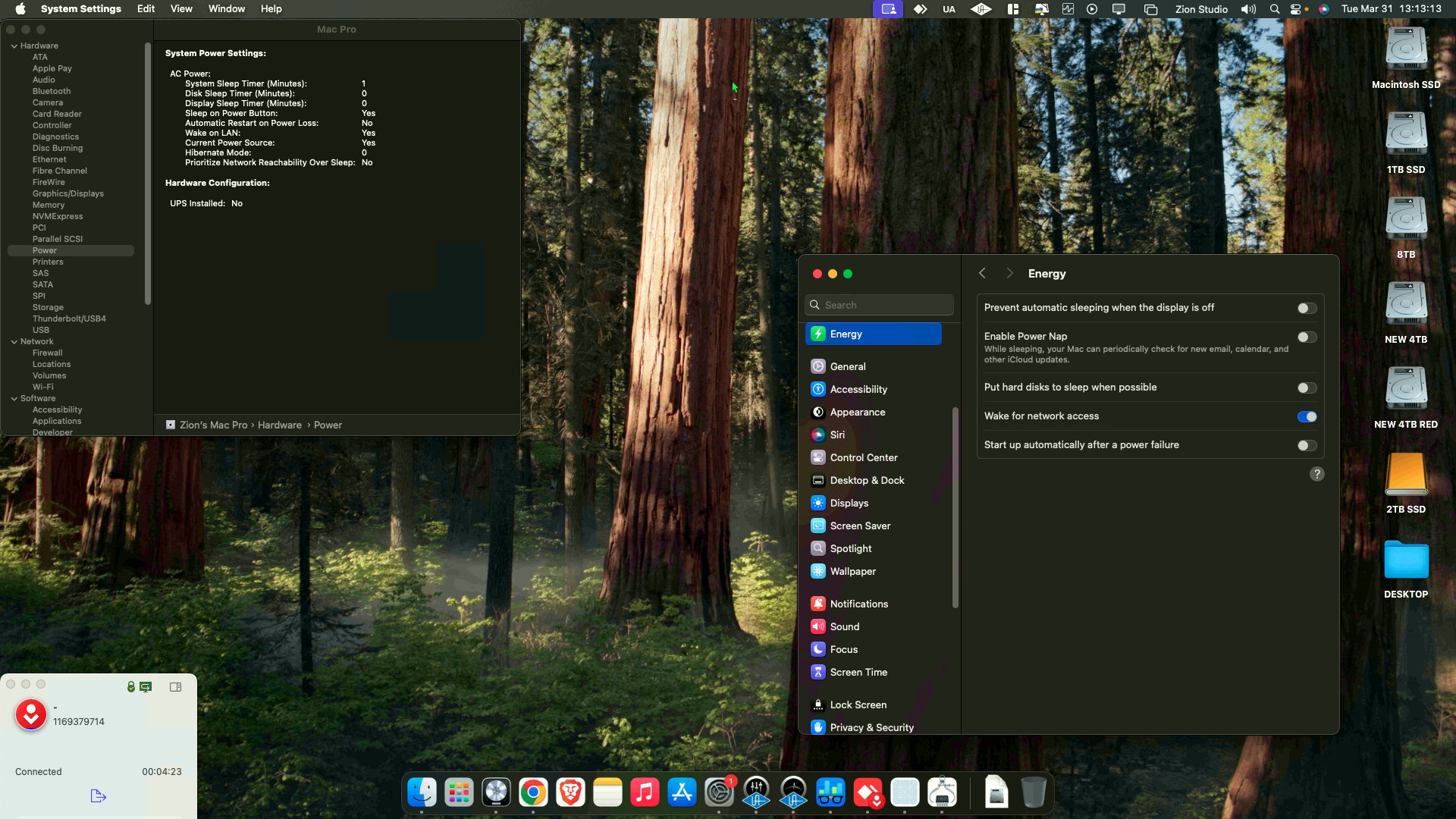
- Power Management: CPU Power Management is perfectly configured, allowing the Intel Core i7 14700K to scale down during idle and boost up under heavy workloads.
- System States: Restart, Sleep, and Shutdown are working flawlessly without any kernel panics or power-looping issues.
- Audio: Both rear and front audio jacks are functional, powered by the Realtek ALC897 codec. HDMI and DisplayPort audio outputs are also fully operational.
- Networking: The onboard Realtek RTL8125 2.5GB Ethernet is working at full speed.
- USB Ports: All USB ports are mapped correctly to prevent sleep-wake issues and guarantee USB 3.0/Type-C speeds.
What is Not Working?
Despite the overall success, there are minor hardware limitations to keep in mind:
- Realtek Wi-Fi 6E RTL8852CE: This specific wireless chipset is currently not supported by Hackintosh drivers. To resolve this, users are advised to replace the internal M.2 card with a macOS-compatible Broadcom or Intel wireless card.
Installation Notes and SEO Services
To successfully boot macOS Sequoia on a Z790 platform, disabling the unsupported Intel UHD 770 in the BIOS is a mandatory step. Furthermore, mapping the USB ports is highly recommended to maintain system stability. If you find this technical process complex, there are excellent professional services available to assist you. You can easily find a reliable jasa install hackintosh or a specialized Jasa repair hackintosh to help optimize your machine. For those residing in West Java, looking up a local expert for hackintosh cimahi is highly recommended. These services play a huge role in supporting the active Hackintosh Indonesia and Hackintosh Nusantara communities, making macOS accessible on standard PC hardware.